How to Stop Claude and ChatGPT Training on Your Data
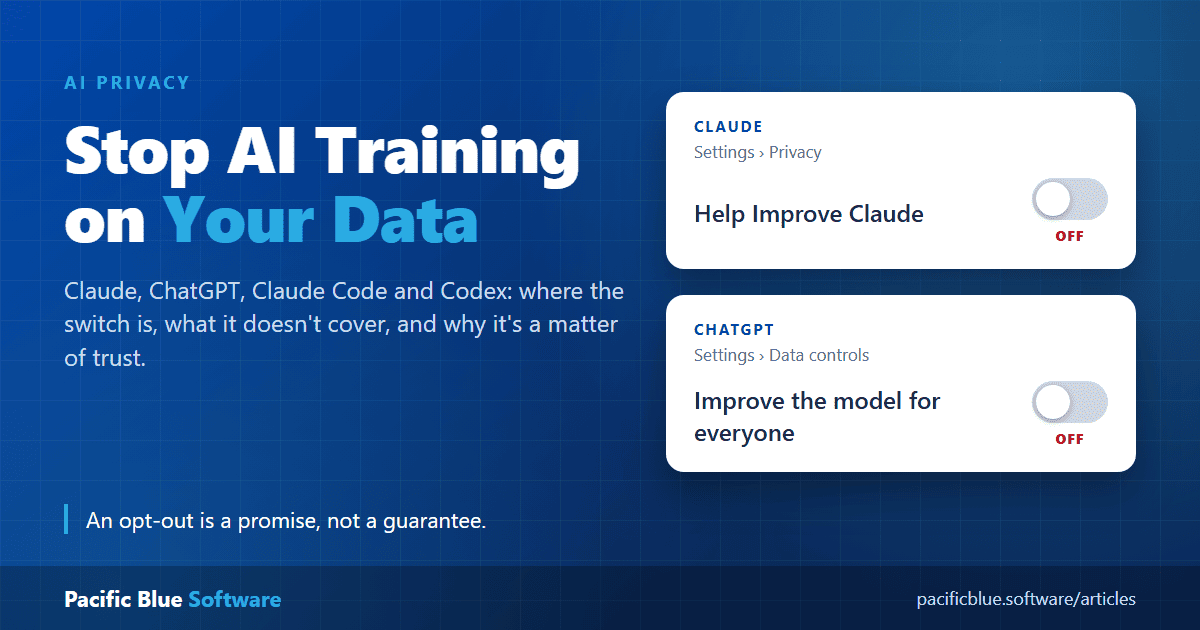
Everything you type into an AI assistant is sent to the company that runs it. On the
personal plans of both Claude and ChatGPT, that company may use your conversations, and
the code you work on with Claude Code or Codex, to train its future models, unless you
tell it not to.
This article shows where the switch is in each product and what it does and does not
cover. It also explains why it is worth turning off, and why turning it off is a promise
you have to trust rather than a guarantee.
The settings below were checked in October 2026. Both companies change their
settings and policies from time to time, so check the references at the end if a menu
item has moved.
The Dangers of Becoming Training Data
Training is not the same as storing your chat. A stored chat can be deleted. Once a
conversation has gone into training, it is part of the model and cannot be pulled back
out. Some of the risks:
- Models can repeat what they were trained on - researchers have shown more
than once that language models memorise parts of their training data and can be coaxed
into reproducing it word for word, including names, email addresses and phone numbers.
Text that appears only once is less likely to be memorised, but less likely is not
never.
- There is no undo - opting out stops future use only. Neither company can
remove your data from a model that has already been trained, or from a training run
that has already started.
- Secrets travel with the conversation - source code, API keys, connection
strings, customer details, contracts and medical or financial details are pasted into
chats every day. In 2023 Samsung restricted staff use of ChatGPT after engineers pasted
confidential source code and meeting notes into it.
- People may read it - using conversations for training or safety work can
involve human reviewers, not just machines.
- Longer retention, bigger target - on Claude, opting in extends retention
from 30 days to up to five years. Data that is kept longer is exposed for longer to
breaches, insider misuse and legal demands. In 2025 a US court ordered OpenAI to keep
ChatGPT logs it would normally have deleted, as part of a copyright case.
- Your work improves someone else's tool - your solutions, prompts and
techniques become part of a product sold to everyone, your competitors included.
- Client and employer obligations - if you work on someone else's code or
data, a confidentiality agreement may not allow it to be used to train a third party's
model, whatever the AI company's terms say.
Claude - Turning Off Training
This covers Claude's personal plans (Free, Pro and Max), including Claude Code when it
is signed in with one of those accounts.
Where to turn it off
- Select your name in the settings menu.
- Select Settings, then Privacy.
- Turn off Help Improve Claude (shown as Help improve our AI models in
some versions).
The steps are the same on desktop, in the browser and on mobile.
What opting out covers
- New chats and coding sessions will not be used to train future models.
- It is not retroactive - anything already used in training stays there.
- Deleting a chat also keeps it out of future training.
Exceptions
- Safety - conversations flagged by Anthropic's safety classifiers may still be
used for its trust-and-safety models and safety research.
- Feedback - pressing thumbs up or thumbs down sends the whole conversation to
Anthropic, where it may be kept for up to five years whatever the setting says. If you
have opted out, do not rate responses on chats you want kept private.
Retention
- Opted out - the standard 30-day retention period.
- Opted in - up to five years, in de-identified form, in the training
pipelines.
Incognito chats
Incognito chats are never used for training, even with the setting turned on.
Business plans
Claude for Work (Team and Enterprise), Claude for Education and the Anthropic API come
under Anthropic's commercial terms. They are not used for training, so these plans have
no training switch.
ChatGPT - Turning Off Training
This covers ChatGPT's personal plans (Free, Go, Plus and Pro), including Codex when it
is used with one of those accounts.
Where to turn it off
- Open your account menu (on mobile, open the sidebar and select your profile
icon).
- Select Settings, then Data controls.
- Turn off Improve the model for everyone.
When you are signed in, the setting applies to the whole account on every device. You
can choose Do not train on my content in OpenAI's Privacy Portal instead. Either
one is enough, so you do not need both.
What opting out covers
- New conversations and Codex tasks will not be used to train OpenAI's models.
- It is not retroactive - it only covers conversations from that point on.
- Your chat history is not deleted or hidden. Turning off training and deleting chats
are separate actions.
Exceptions
- Feedback - pressing thumbs up or thumbs down allows the entire conversation
to be used for training, even after opting out.
- Codex environments - Codex has a separate Include environments setting
that controls whether extra context from your Codex environments can be used for
training. The ChatGPT setting does not change it, so check it in Codex settings.
Retention
OpenAI says some data may still be kept for safety, legal or compliance reasons after
you opt out or delete it.
Temporary chats
Temporary chats are not used for training and do not appear in your history, but may be
kept for up to 30 days for safety purposes. If you save a temporary chat, it becomes a
normal chat and follows your account's training setting.
Business plans
By default OpenAI does not train on ChatGPT Business, Enterprise, Edu or API data.
It All Comes Down to Trust
Every protection above is a promise, not a mechanism you can check. When you turn off
the switch, nothing on your side changes what happens to your data. Your words are still
sent to the company's servers, and you are relying on it to do what it says. In
particular, you have to trust that:
- The company keeps its word - you cannot audit its training data, its
pipelines or its logs. If an opt-out were ignored, by policy, by mistake or by a bug, you
would almost certainly never know.
- The promise does not change - terms and privacy policies can be rewritten.
Until 2025, Anthropic did not train on consumer chats at all. It then changed its
consumer terms to train on them unless the user opted out. That change was announced
openly and users were given a choice, but it shows that today's policy is not a
permanent one.
- The company stays the same company - a merger, acquisition, change of
ownership or financial trouble can put stored data in new hands, under new rules.
- Its current and future creations honour the promise - AI companies
increasingly use their own models and agents to filter, label, summarise and generate
training data. Your opt-out has to be respected not only by the people who wrote the
policy, but by every system that touches your data, including models and tools that do
not exist yet. A promise made today has to bind software built years from now.
- The exceptions stay narrow - "used for safety research" and "kept for legal
or compliance purposes" are reasonable, but you do not decide what gets flagged, how
long it is kept, or how broadly those words are read later.
- Nobody else gets in - suppliers, contractors, attackers and courts can all
reach data the company holds, whatever it has promised about training.
None of this means Anthropic or OpenAI are acting in bad faith. Both publish their
policies and give users a choice, which is more than many services do. It means the only
data you can be certain will not be trained on is data you never send.
Further Precautions
- Never paste secrets - remove passwords, API keys, tokens and connection
strings before sharing code or logs. With coding tools such as Claude Code and Codex,
keep secrets out of the folders they can read, for example in environment variables or
files the tool is told to ignore.
- Anonymise - replace real names, addresses and customer details with made-up
values before asking a question about them.
- Use Incognito or Temporary chats for anything sensitive, even with training
turned off.
- Do not rate private chats - the thumbs buttons override the opt-out on both
products.
- Delete what you no longer need - a chat that no longer exists cannot be
leaked, reviewed or demanded by a court later.
- Use a business plan or the API for client work - commercial terms exclude
training by default, and are usually what a confidentiality agreement requires.
- Check again from time to time - after a policy update, make sure your setting
is still the way you left it.
Summary
- Claude - Settings, Privacy, turn off Help Improve Claude (or Help improve our AI
models)
- ChatGPT - Settings, Data controls, turn off Improve the model for
everyone
- Codex - also check Include environments in Codex settings
- Not retroactive - on either product, data already used stays used
- Thumbs up / down - can still send the conversation for training
- Incognito / Temporary chats - not used for training
- Business plans and API - not trained on by default
- Trust - all of the above is a promise you cannot verify, so never send what
must not leak
Useful References
If you found this useful, then please consider making a donation.
 Please donate if helpful
