
PBS FAQ is a small FAQ and knowledge base written in plain PHP and MySQL. There is no
framework, no Composer and no build step: copy the files to a folder on your site, open
setup.php once, and start writing answers. It was written as a lighter
replacement for phpMyFAQ, faster to use and easier to look after, and it can import an
existing phpMyFAQ database.
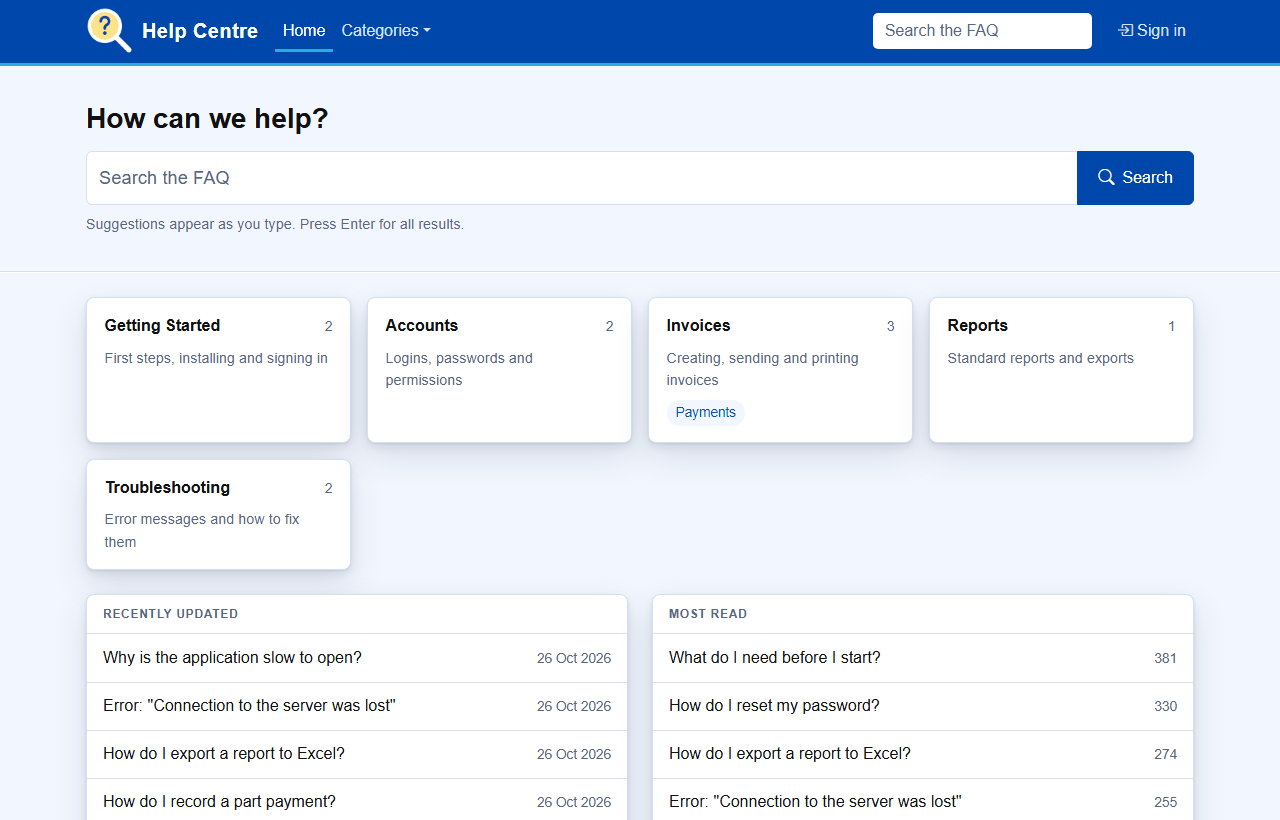
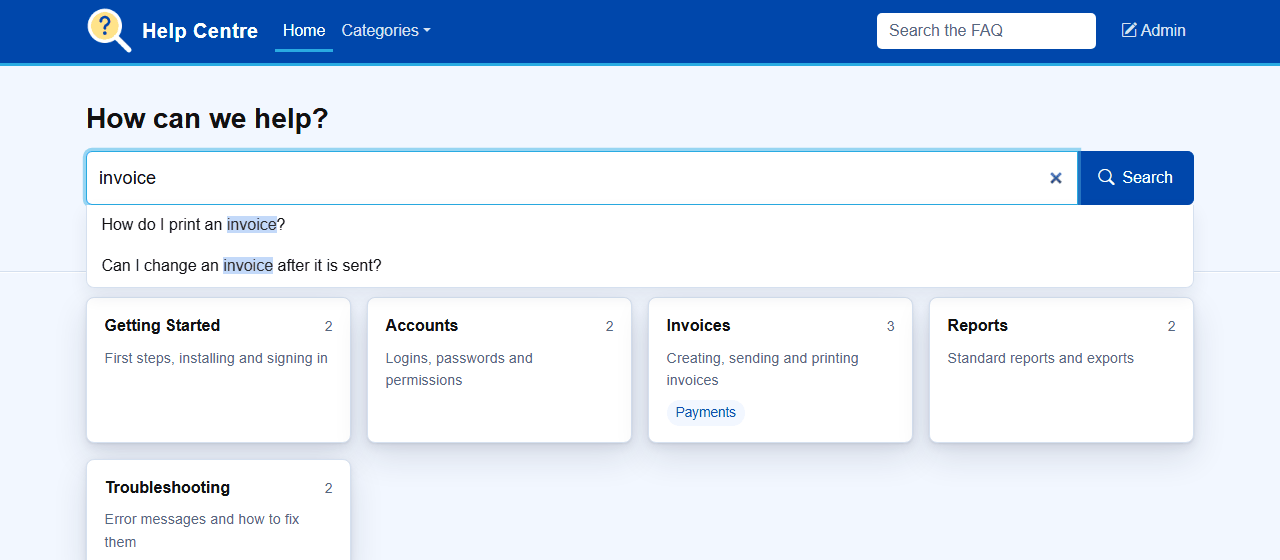
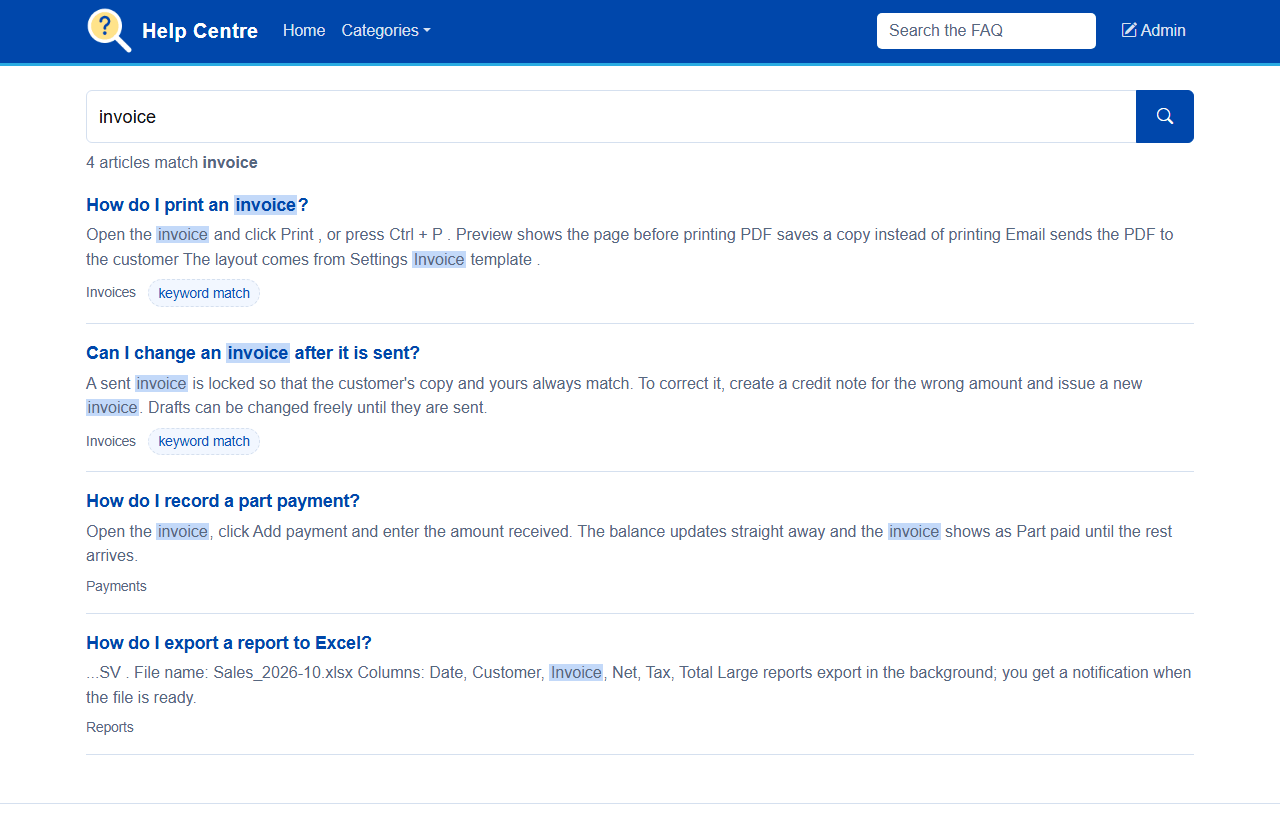
index.php?help=invoice.printSuggestions drop down from the search box after a couple of letters. Press Enter for the full list, where articles that match a keyword are ranked first.
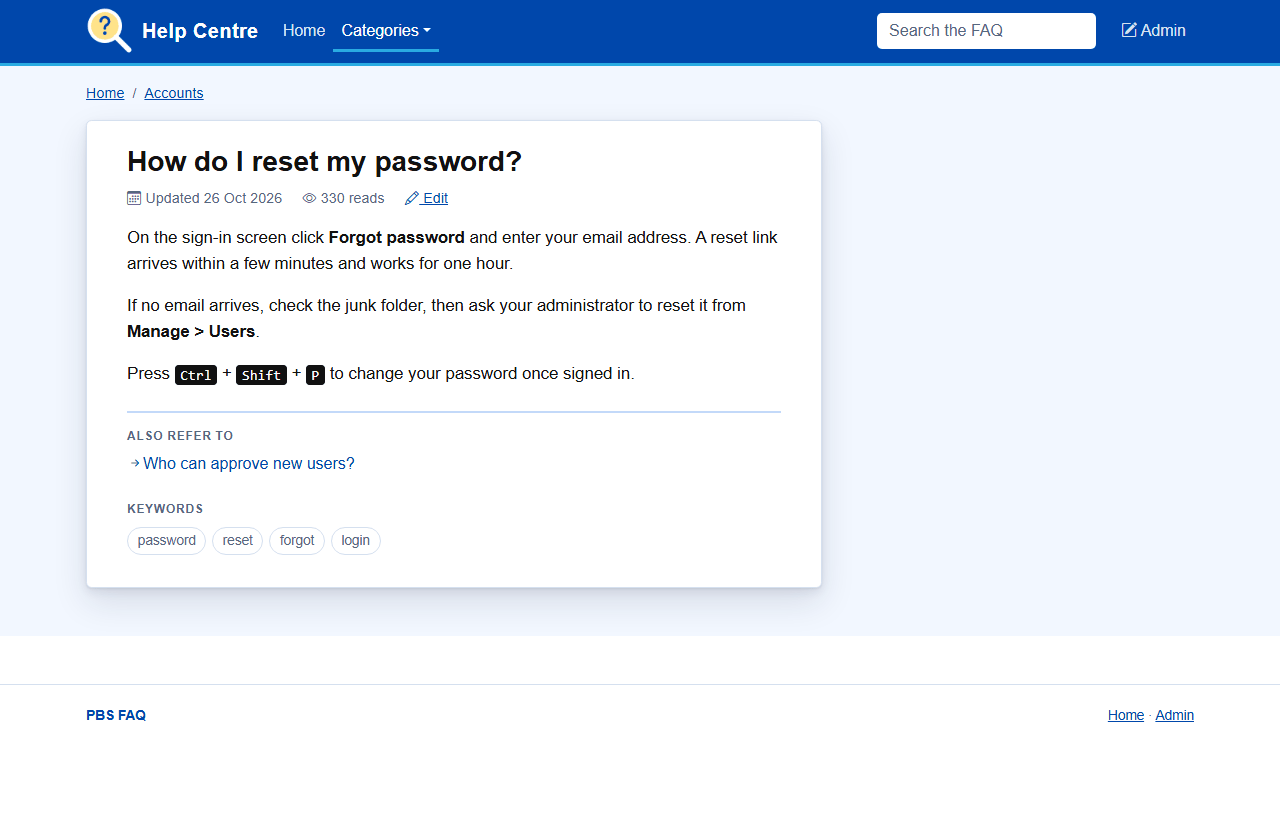
Each article shows when it was last updated, how often it has been read, its related articles and its keywords. Keywords come from the title automatically, and editors can add their own.
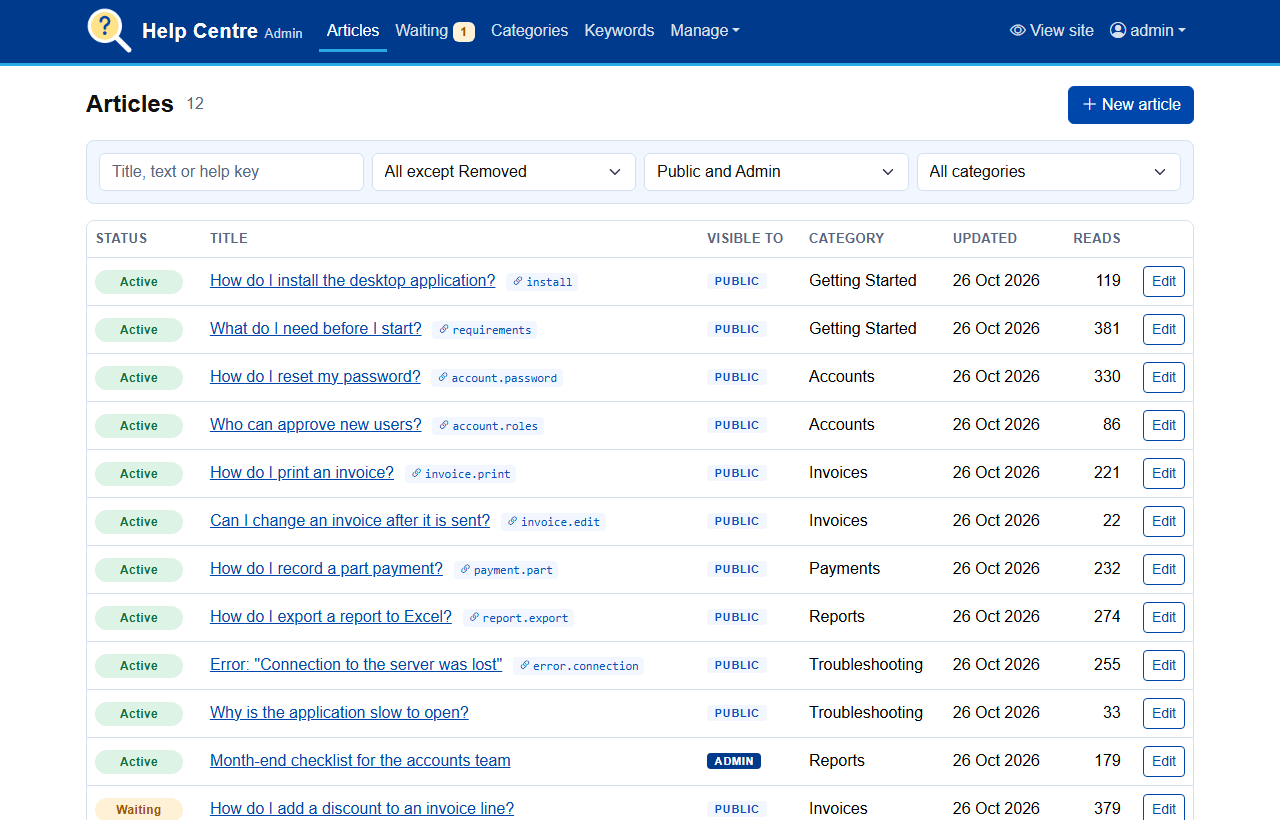
Signed-in editors get the admin pages: every article with its status, who can see it, its category and its help key, filtered by status, visibility, category or text. Articles waiting for approval are counted in the menu.
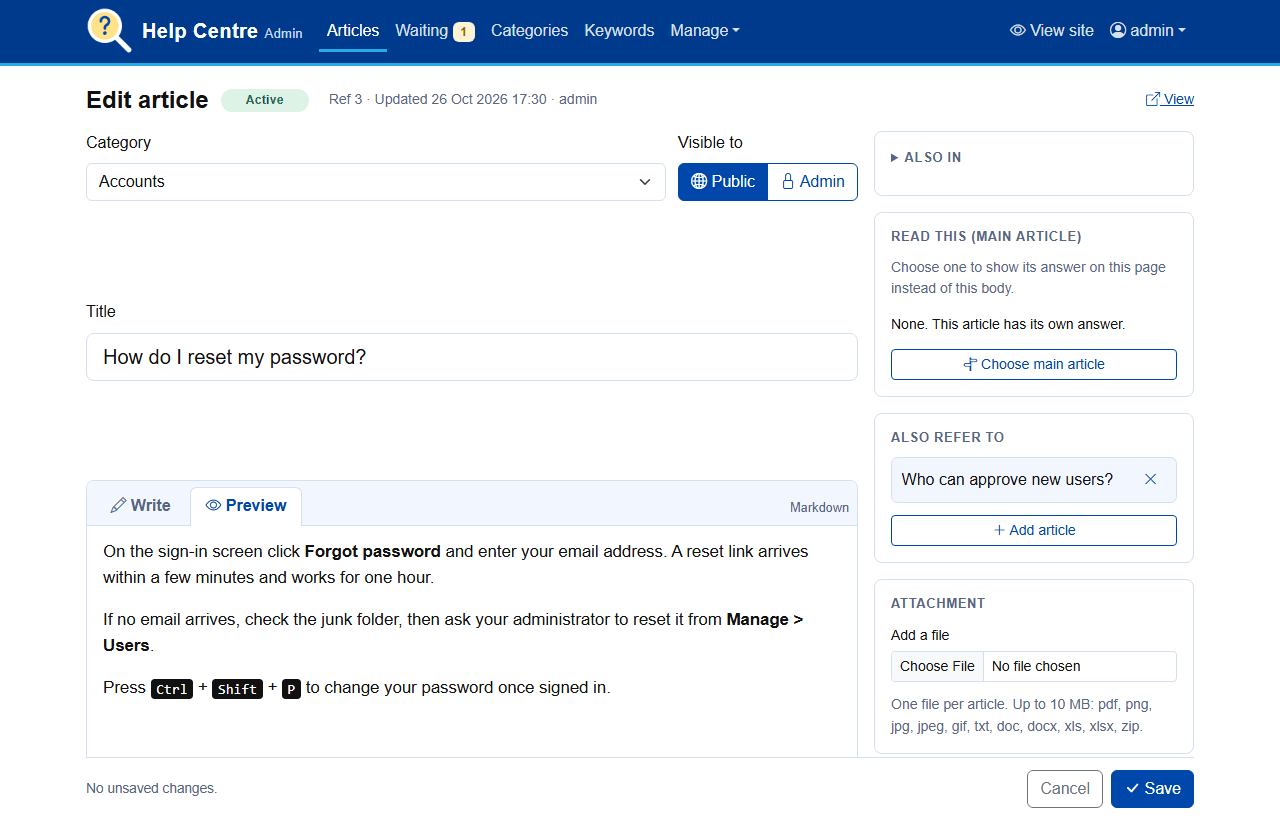
The editor has a Markdown toolbar for bold, italic, headings, lists, links, code, quotes and tables, and a Preview tab. Main and related articles are picked from a searchable list, and the help key shows the finished link ready to copy into your application.
Admins also manage categories, keywords and stopwords, people and their roles, and the site settings.
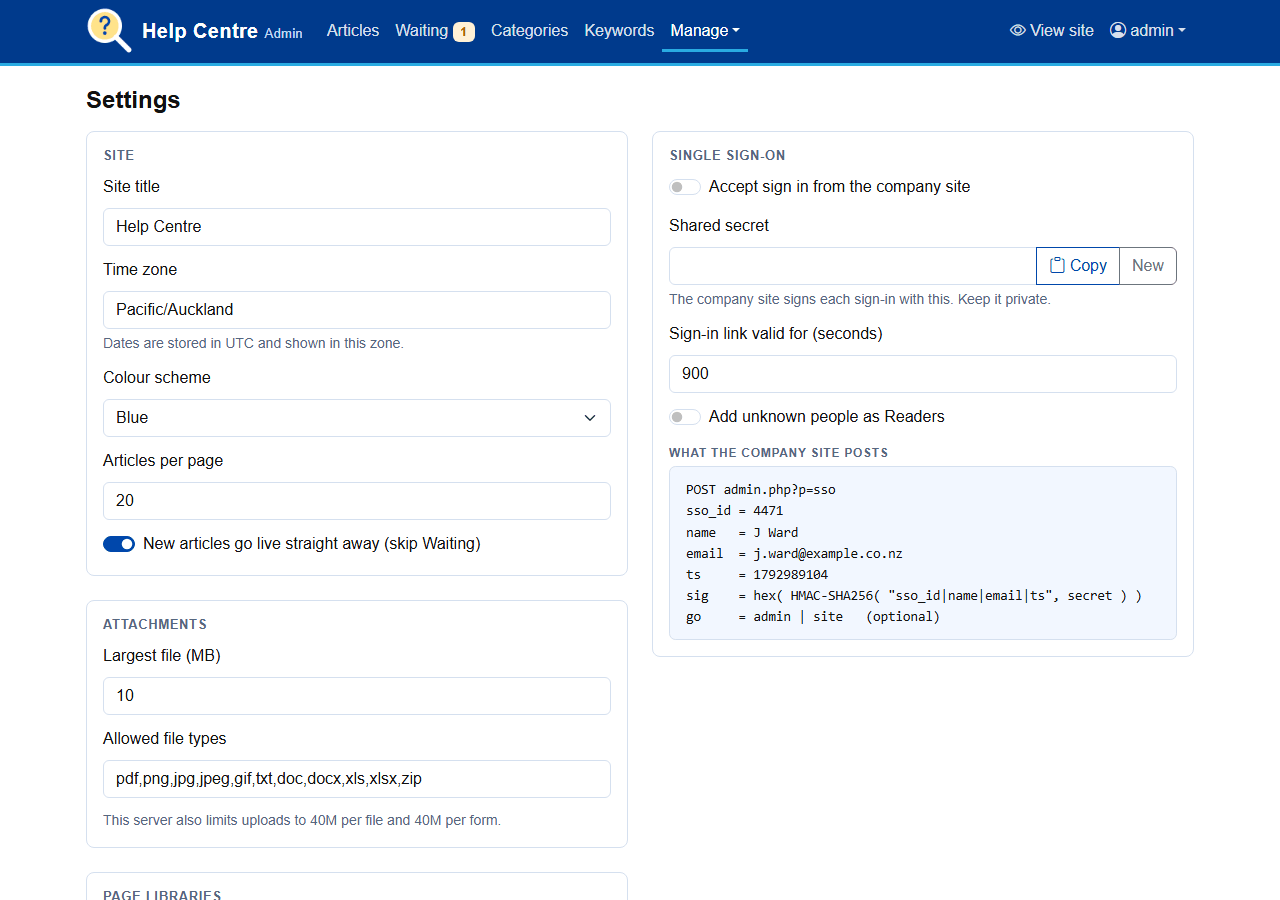
If your people already sign in to another site, that site can sign them in to the FAQ too. It posts who they are, with the time and an HMAC-SHA256 signature made with a shared secret, and the FAQ starts its own session. It works across domains, shares no cookies and needs no third party. The download includes an example to copy into the calling site. Password sign-in keeps working alongside it.
Manage > Import from phpMyFAQ reads a phpMyFAQ 3.x or 4.x database, on the same server or another. Check shows the counts first; Import brings across categories, articles, links, tags and users in one transaction. Article numbers are kept where possible so old links still work, and it can be run again without doubling anything. Attachments are not imported.
app folder to a folder on your site, for example
faq.src and data folders.setup.php in a browser, enter the database details and the first
admin's login. Setup checks the server, creates the tables and then
locks itself.admin.php and choose your settings.The readme in the download covers each step in detail, including IIS permissions, upgrading and translating the captions.
Download Source Code Please chip in if helpful
